How to Make a Hotel Lobby AI Video
A free, five-step walkthrough — plus the exact prompt recipe that produces the orange studio duo shot.
This is the whole process, start to finish, with no code and no editing software. You will pick a studio, upload two photos, choose the format and the length, run the generation, and download the finished MP4. The free preview lets you see the format before you spend anything, and one 15-second video at Standard 2K costs 50 credits.
Step 1 — Pick a studio
Each studio ships its own original 15-second rap, so the set you choose decides the backdrop, the lighting and the music. The default orange studio is the classic one-mic look; five more cover a night street corner, a formal ballroom, a retro television studio, a cosy couch for pets and a golden-hour beach. Every set costs the same credits and carries its own sample video — with its own track — so you can watch before choosing.
Step 2 — Upload two photos
Upload one front-facing photo per performer, in JPG, PNG or WebP, up to 10 MB each. Both photos are downscaled in your browser to a 1024-pixel long edge before they are sent, so uploads stay small and the model gets a clean input. Clear, evenly lit faces with both eyes visible give the most faithful result; sunglasses, extreme angles and group shots make it harder. The first slot becomes the performer on the left and the second the performer on the right. Only upload photos you have permission to use, and never upload photos of minors.
Step 3 — Choose the format and length
Decide between horizontal 16:9 and vertical 9:16. Horizontal suits YouTube and web embeds; vertical fills a phone screen for Reels, Shorts and TikTok. Next choose the length — 5, 10 or 15 seconds — and the quality. At Standard 2K the three lengths cost 20, 35 and 50 credits, and the lighter 768p quality costs 10, 15 and 20. The pricing table lists the exact credits for the options currently offered, the summary line under the picker always shows the exact cost before you commit, and switching studios never changes the price.
Step 4 — Generate the video
Confirm and the pipeline runs by itself. It uploads both photos to the generation provider, runs a single video-model call that films both faces into the studio set and performs the studio’s own 15-second rap inside that same render. The progress page lists each stage as it completes. Most 15-second videos land in about five to ten minutes. Photos are deleted from the generation provider within 24 hours and are never stored on our own servers, and a render that is confirmed failed returns its credits automatically.
Step 5 — Download and share
When the render succeeds, the finished MP4 appears in the result panel with a download button and a share link. Download it to post the file directly, or copy the share link — it opens a public page with the right video preview tags for social platforms. Every video also stays in your library, where you can watch, re-download, share or delete it at any time; deleting removes the file from storage. You can reuse the same two photos to make another cut — a shorter version for a phone, or a different studio for a different mood.
The prompt recipe behind the shot
Under the hood the generation prompt is fixed so the look stays consistent. It specifies one continuous take in a locked-off static camera, no cuts and no zoom; a scene of a flat orange seamless studio with a single chrome mic; exactly two performers shoulder to shoulder, both facing camera, with the two photos described as left and right references that must never be swapped or blended; performance cues of mouths on the vocal rhythm, head bobs on the beat, small gestures and natural blinking; the lyrics both performers rap over a beat the model creates; and a negative list covering extra people, distorted hands, face morphing, text, logos and camera shake. You control the studio, the length and the quality — the recipe holds the format steady.
Studios
Same duo, six sets.
Every studio costs the same credits. One 15-second video at Standard 2K is 50 credits.
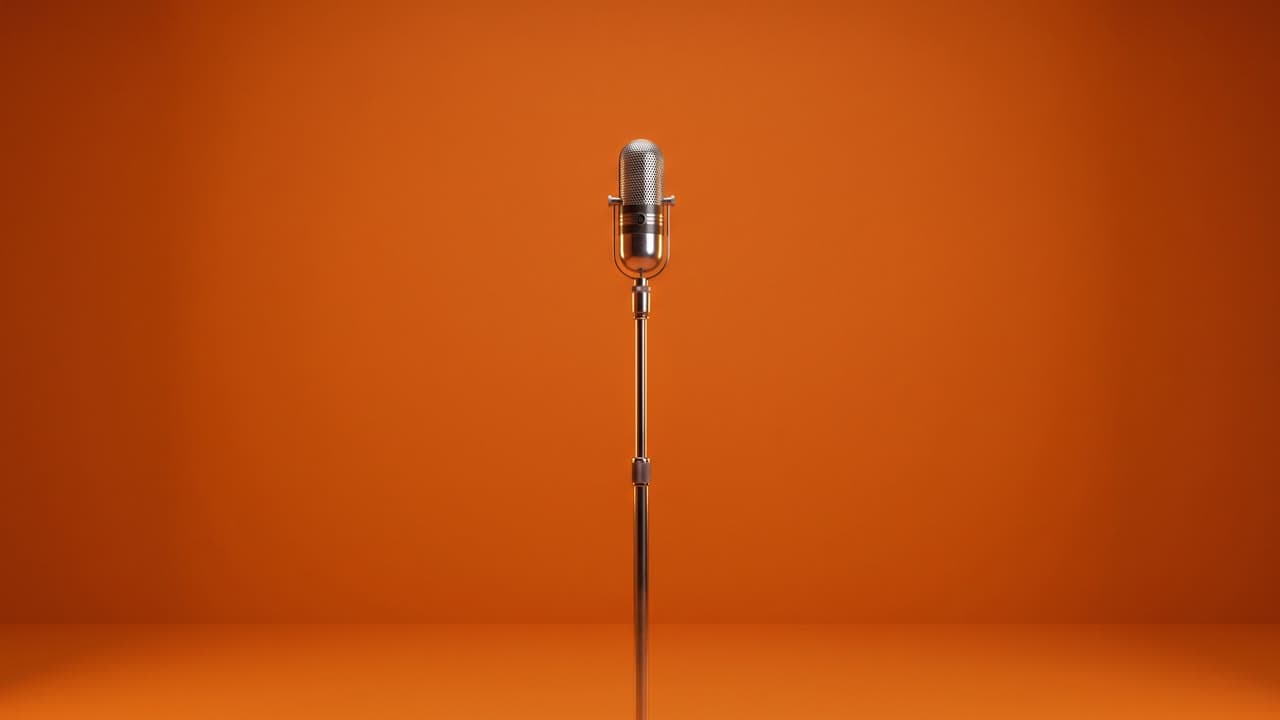 Orange Studio DuoThe classic orange seamless studio with one center mic.
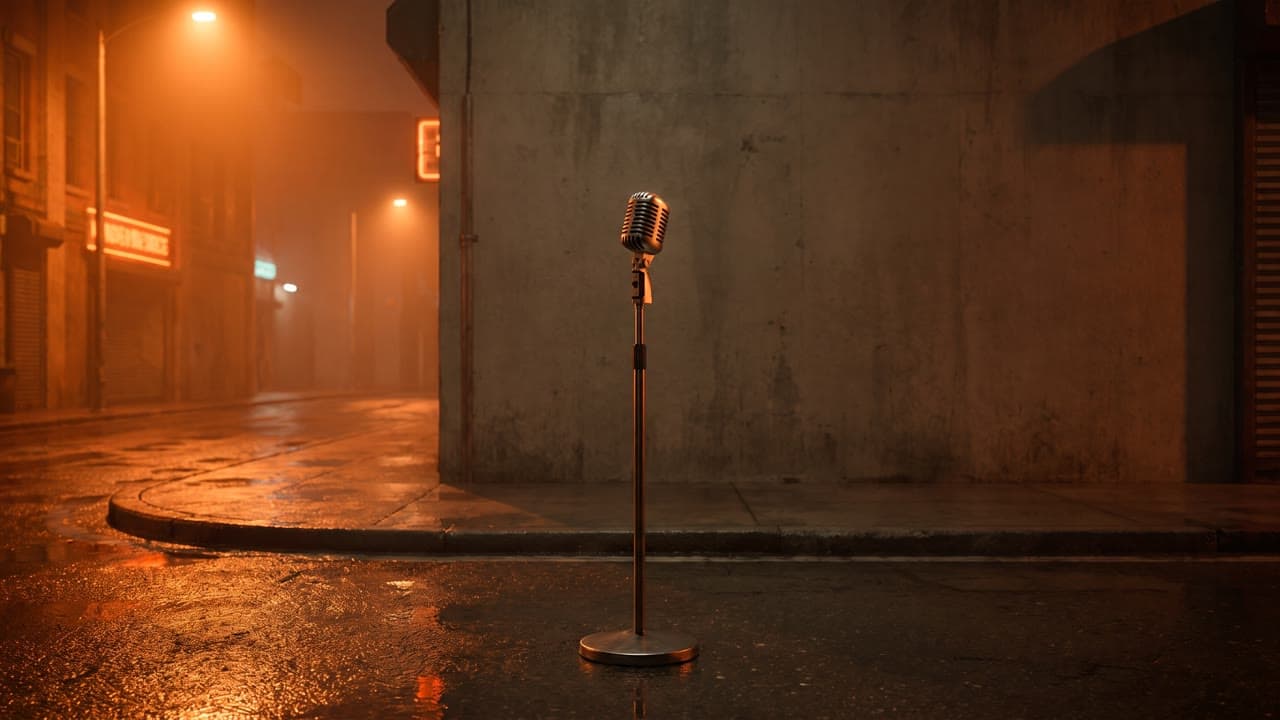 Orange Street DuoNight street corner washed in orange light.
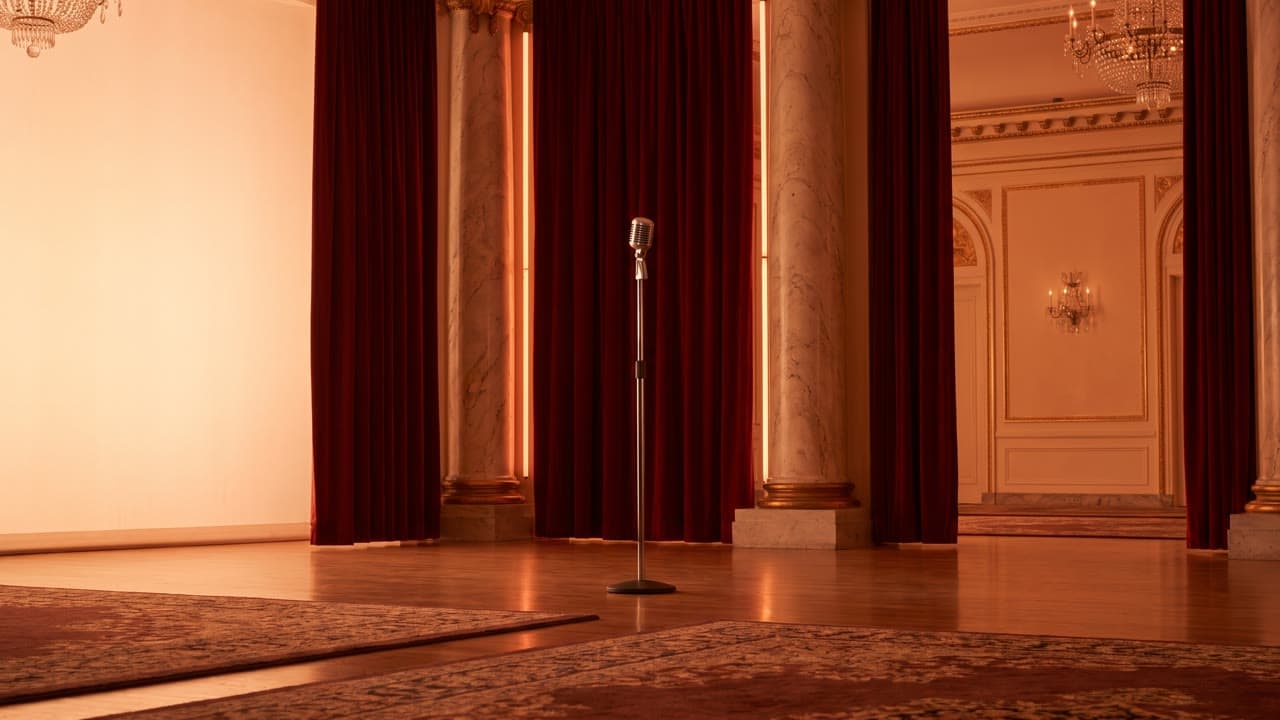 Orange Gala DuoOrange-lit ballroom with marble and a single mic.
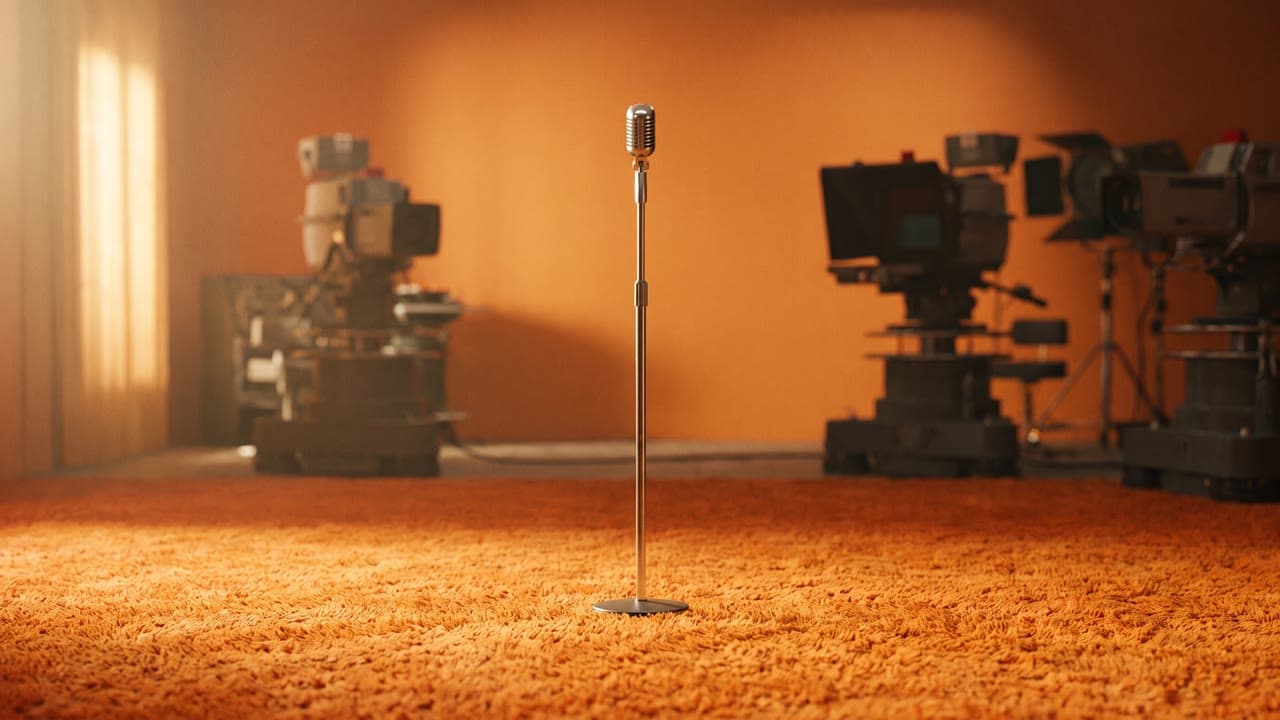 Orange Retro Duo1970s television studio in warm orange.
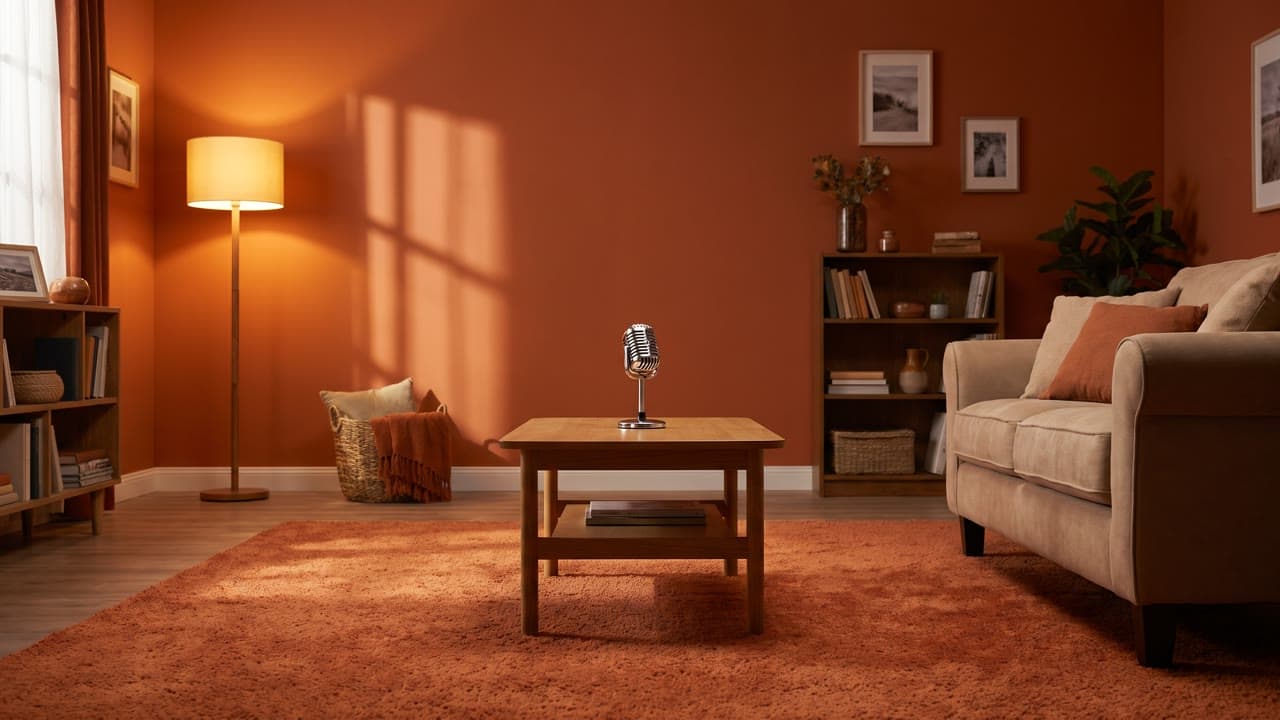 Orange Pets DuoCozy orange living room built for two pets.
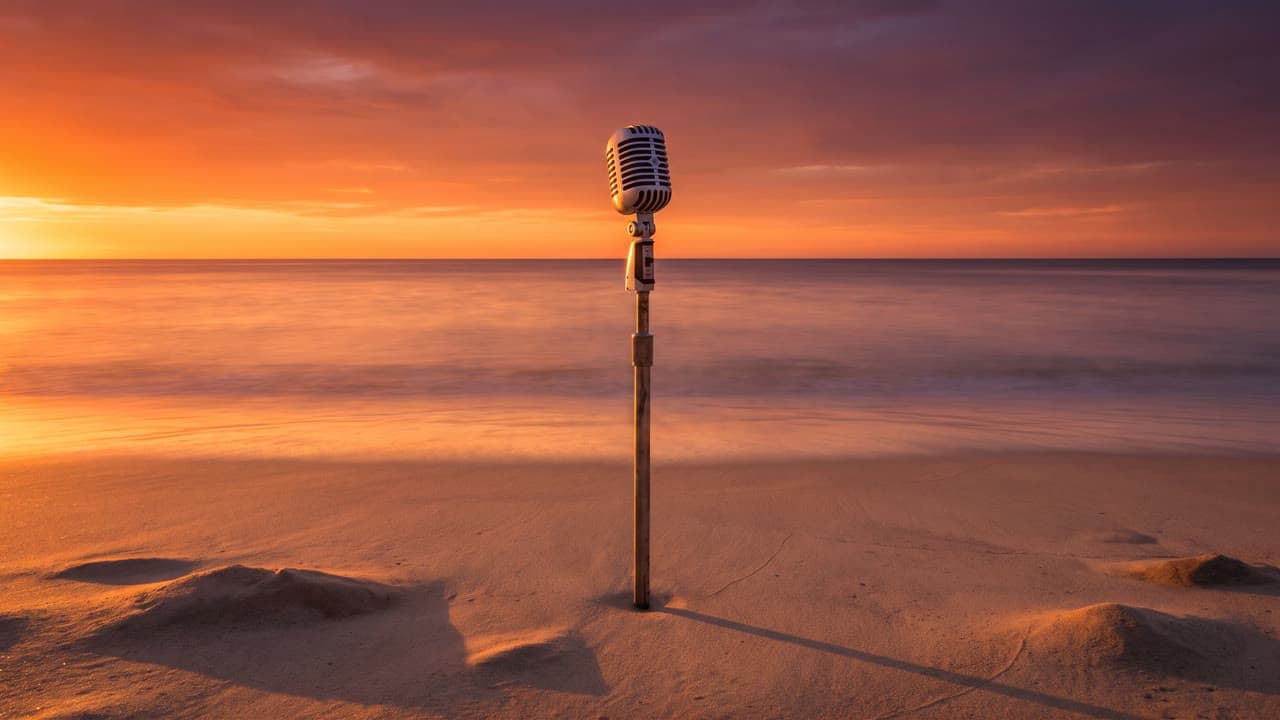 Orange Sunset Beach DuoGolden-hour beach set with one standing mic.
Examples
Poster first, click to play.
Samples are rendered with synthetic faces, not real customers.
The classic orange seamless studio with one center mic.
Night street corner washed in orange light.
Orange-lit ballroom with marble and a single mic.
1970s television studio in warm orange.
Cozy orange living room built for two pets.
Golden-hour beach set with one standing mic.
How to Make a Hotel Lobby AI Video FAQ
Make the video now
Follow the five steps with your own two photos. Preview free, then spend 50 credits on a 15-second orange-studio rap duo.